AI-Powered Demos: Best Practices for AI Assistants, Avatars, and Real-Time Q&A | DemoDazzle
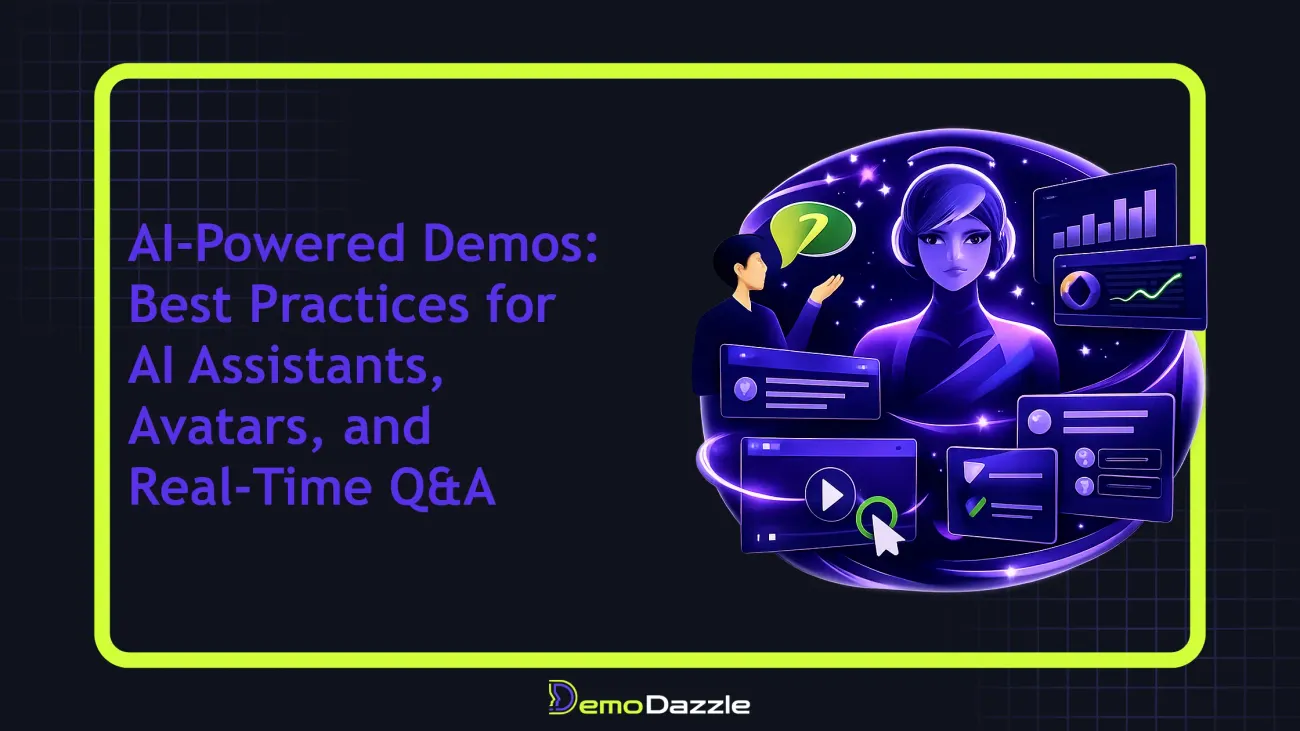
When you combine AI-powered assistants, lifelike avatars, and real-time question answering in product demos, you don’t just show features you create a guided, personalized journey. This practical guide walks you through a repeatable framework to design AI-assisted demos that scale, stay accurate, and feel human.
The AI-Driven Demo Blueprint
At the core, an AI-powered demo stacks three capabilities that work in concert: AI Assistants to steer conversations and surface relevant context, AI Avatars to provide a human presence and navigational cues, and Real-Time Q&A to satisfy curiosity with live product data. When designed well, these elements remove friction and let buyers explore at their own pace—without feeling sold to.
Think of this trio as a “conversation-first” demo architecture. It isn’t about flashy tech; it’s about predictable outcomes: faster time-to-value, higher engagement, and clearer signals of buyer intent. Use cases span onboarding, presales, product training, and investor decks, making AI-powered demos a versatile capability across teams.
- AI Assistants handle flow orchestration, keep questions on track, and surface relevant content (roadmaps, integrations, security docs) as the user progresses.
- AI Avatars provide a friendly presence, guide attention, and deliver context through tone and visuals aligned with your brand.
- Real-Time Q&A connects the demo to live product data, so your reps don’t have to pretend to know everything—answers come from the product in real time.
Crafting Effective AI Assistants for Demos
Designing a compelling AI assistant starts with purpose. Define the assistant’s primary job in each use case—whether it’s to discover buyer goals, walk users through a configuration, or surface risk and ROI data. From there, you can craft a persona and a core set of prompts that align with your brand voice.
- Define the role: Is the AI assistant a concierge guiding the journey, a technical expert answering specific questions, or a business value narrator that quantifies outcomes?
- Craft system prompts: Establish a consistent voice, latency expectations, and safety guardrails. Example: “You are a friendly but precise product walkthrough guide. Answer questions using current product data, and when uncertain, offer a clarifying question or escalate.”
- Structure prompts for flows: Use modular prompts that map to stages (Discovery & Qualification → Feature Tour → ROI & Next Steps).
- Enable dynamic context: Feed the assistant with the user’s role, company size, and stated objectives to tailor responses in real time.
- Plan fallback paths: If the assistant cannot answer, it should gracefully surface a relevant article or offer to connect with a human.
Practical tip: create a library of prompt templates for 6–8 common buyer archetypes (e.g., VP of Sales, CIO, Head of Security) so you’re not rebuilding prompts for every deal.
Designing Realistic, Accessible AI Avatars
Avatars add warmth and a guiding presence, but they must be designed with restraint. A strong avatar supports, rather than distracts from, the content. Invest in visual accessibility (contrast, alt text), appropriate pacing, and voice choice that matches your brand without becoming gimmicky.
- Appearance and tone: Choose a consistent look (brand colors, simple attire) and a tone that’s helpful and confident without overpromising.
- Interaction patterns: Use subtle facial cues and natural pauses to indicate thinking or surfacing a suggestion. Avoid over-animation that competes with the content.
- Accessibility: Provide keyboard navigation and screen-reader-friendly descriptions for each avatar action. Ensure captions accompany spoken content for clarity.
- Scripting: Prepare avatar lines for common questions and scenarios. Example: “Great question—let me pull up the integration matrix for your stack.”
Tip: Avatar scripts should be concise and purpose-driven. If a user asks for something outside the demo scope, the avatar should pivot gracefully to a relevant alternative rather than offering a vague answer.
Real-Time Q&A: Keeping Demos Accurate and Useful
Real-time Q&A is the linchpin of trust in AI-powered demos. To keep it credible, anchor answers to a curated knowledge surface drawn from your product data, release notes, security standards, and integration docs. Don’t rely on generic web knowledge or stale content.
- Source fidelity: Tie every answer to a defined data surface that is refreshed on a cadence that matches product updates.
- Latency targets: Prioritize sub-2-second response times for common questions; cache the frequent ones to reduce latency.
- Clear escalation: When the AI cannot answer, offer a concise next step: show the right article, suggest a quick screenshot, or route to a human.
- Data governance: Mask sensitive data, use sanitized demos, and provide an opt-out path for data sharing in demos.
A practical approach is to maintain a live Q&A index that the assistant consults first, then fall back to a stored script for standard responses. This keeps interactions fast and predictable while still feeling dynamic.
End-to-End AI Demo Flows: A Step-by-Step Framework
Turn ideas into repeatable, scalable experiences with a structured framework. Here’s a pragmatic 6-step process you can implement this quarter:
- Define the use case: Is this for a trial signup, a feature-by-feature tour, or a security/compliance briefing?
- Map the flows: Create guided paths with decision points, where the user can choose which path to take next.
- Configure AI assets: Build the AI assistant prompts, avatar personalities, and Q&A data surfaces for each flow.
- Personalize on the fly: Use dynamic variables such as role, company size, and industry to tailor content and questions.
- Test relentlessly: Run internal QA, then a small external audience to surface edge cases.
- Measure and refine: Track engagement and conversion signals to prune flows and improve prompts.
Worked example: a mid-market SaaS security module demo. The flow begins with a security-operations intro, follows with regulatory alignment checks, showcases a data-access configuration, and ends with a ROI snapshot. If the user asks about a specific integration, the assistant pulls the integration matrix in real time and surfaces a short case study video.
Common Pitfalls and How to Avoid Them
- Overfitting prompts: Tailor prompts to personas, not to every possible question. Use modular prompts so changes stay contained and testable.
- Inaccurate answers: Always validate AI outputs against a live data source; disable or escalate when data is stale.
- Poor pacing: Let the avatar breathe; avoid rapid-fire prompts that overwhelm the user.
- Brand drift: Align tone and visuals with your product marketing guidelines to preserve consistency across assets.
Another common trap is treating demos as one-size-fits-all. Real value comes from personalizing the journey so each buyer learns what they care about, not what you assume they care about.
A Practical Worked Example: From Cold Lead to Value
Imagine a VP of Engineering evaluating a data analytics SaaS. The AI assistant greets with a tailored context: “Welcome back, I see you’re evaluating real-time dashboards for product teams. What matters most—latency, data volume, or collaboration features?” The user selects latency. The assistant responds with a live latency table, then the avatar highlights a relevant feature: sub-second refresh for dashboards. As questions arise about security, the assistant pulls the security matrix and a short ROI calculator. The session ends with an invitation to start a guided trial and a calendar link.
Key takeaway: personalization + live data + a clear CTA dramatically improves engagement and the chance of conversion. The demo isn’t a monologue; it’s a responsive demonstration tuned to the user’s priorities.
Measuring Success: Metrics, Experiments, and Signals
How do you know your AI-powered demos are working? Focus on three layers: engagement, qualification, and outcome. Engagement metrics include session duration, questions asked, and flow completion rates. Qualification signals track how well the user’s stated goals map to features shown. Outcome metrics capture demo-to-trial and trial-to-paid conversions, as well as time-to-value.
To move faster, run small A/B tests that compare AI-assisted paths against control demos. Example: test a version with an AI avatar present in the first 60 seconds versus an avatar-free version. Monitor lift in engagement time and next-step actions for both cohorts.
When to Turn AI Demos On and How to Scale
Roll out AI-powered demos in stages. Start with a single guided path for a high-value use case, then expand to role-based experiences (Sales, Marketing, Customer Success). Automation is your ally here: reuse flow bundles across teams, and publish updates without rebuilding every demo from scratch.
Scale requires governance: versioning every flow, monitoring data freshness, and maintaining guardrails to avoid sensitive data leakage. With DemoDazzle, you can reuse assets, run bulk sessions, and track per-session analytics to continuously improve.
Conclusion
AI-powered demos aren’t a gimmick; they’re a repeatable, scalable way to personalize complex software experiences. By designing purposeful AI assistants, thoughtful avatars, and reliable real-time Q&A, you create demos that feel human, not scripted, and that move buyers toward action.
Start small with a single use case, establish a governance framework, and iteratively improve based on real metrics. The payoff isn’t just more demos—it’s faster qualification, higher buyer confidence, and stronger product adoption signals.
Frequently Asked Questions
What is an AI assistant in a product demo?
An AI assistant in a product demo is a conversational agent embedded in the demo experience that can answer questions, guide users through flows, and surface relevant product information in real time.
How do AI avatars improve engagement in demos?
AI avatars provide a human-like presence that can guide the user, explain features, and narrate demonstrations with consistent tone. When designed well, avatars reduce cognitive load and keep users oriented.
What are best practices for real-time Q&A in demos?
Tie real-time answers to a curated knowledge surface, implement fallback to human support, set latency targets, and cache common responses. Always validate answers against live product data and anonymize sensitive information.
How can I measure the impact of AI-powered demos?
Track engagement metrics (questions asked, session duration, drop-off), conversion metrics (demo-to-trial, trial-to-paid), and content usage (which features are explored). Use A/B testing to compare AI-assisted demos against static demos.
Helpful Links
Explore more resources and ways to experience AI-powered demos with DemoDazzle.
Call to Action
Ready to see AI-powered demos in action? Schedule a personalized walkthrough with DemoDazzle to explore how AI assistants, avatars, and real-time Q&A can transform your sales and onboarding motions.