What Is an Interactive Product Demo?
An interactive product demo is a hands-on, guided experience that lets users actively explore a product instead of just watching or reading about it. Unlike static demos or pre-recorded videos, interactive demos allow users to click, try features, and navigate workflows in a realistic product environment—without needing to sign up or install anything.
These demos are designed to help potential customers understand value faster, learn by doing, and see how a product solves their specific problems. By putting users in control, interactive demos create higher engagement, reduce confusion, and build confidence in the product.
For businesses, interactive product demos are powerful tools for marketing, sales, onboarding, and support. They shorten sales cycles, qualify leads better, and improve conversion rates by delivering personalized, self-serve product experiences.
Platforms like DemoDazzle make it easy to create, customize, and share interactive demos that showcase key features, tell a compelling product story, and drive user adoption—without heavy technical effort.
In short, interactive product demos transform passive viewers into active users, making them a must-have for modern SaaS and digital products
What Is an Interactive Product Demo? A Practical Guide for SaaS Teams
If you've ever tried to explain a complex SaaS product over a static slide deck or a video, you know the feeling: eyes glaze over, questions go unanswered, and prospects fall out of the funnel. Interactive product demos change that. They let potential customers click, explore, and experience the product not just watch someone else use it.
In this piece I'll explain what interactive product demos are, why they work, and how teams across product marketing, sales enablement, growth, and customer success can use them to drive conversions and retention. I’ll also share practical tips, common mistakes, and how DemoDazzle helps you build high-converting SaaS demos without wrestling with engineers.
What exactly is an interactive product demo?
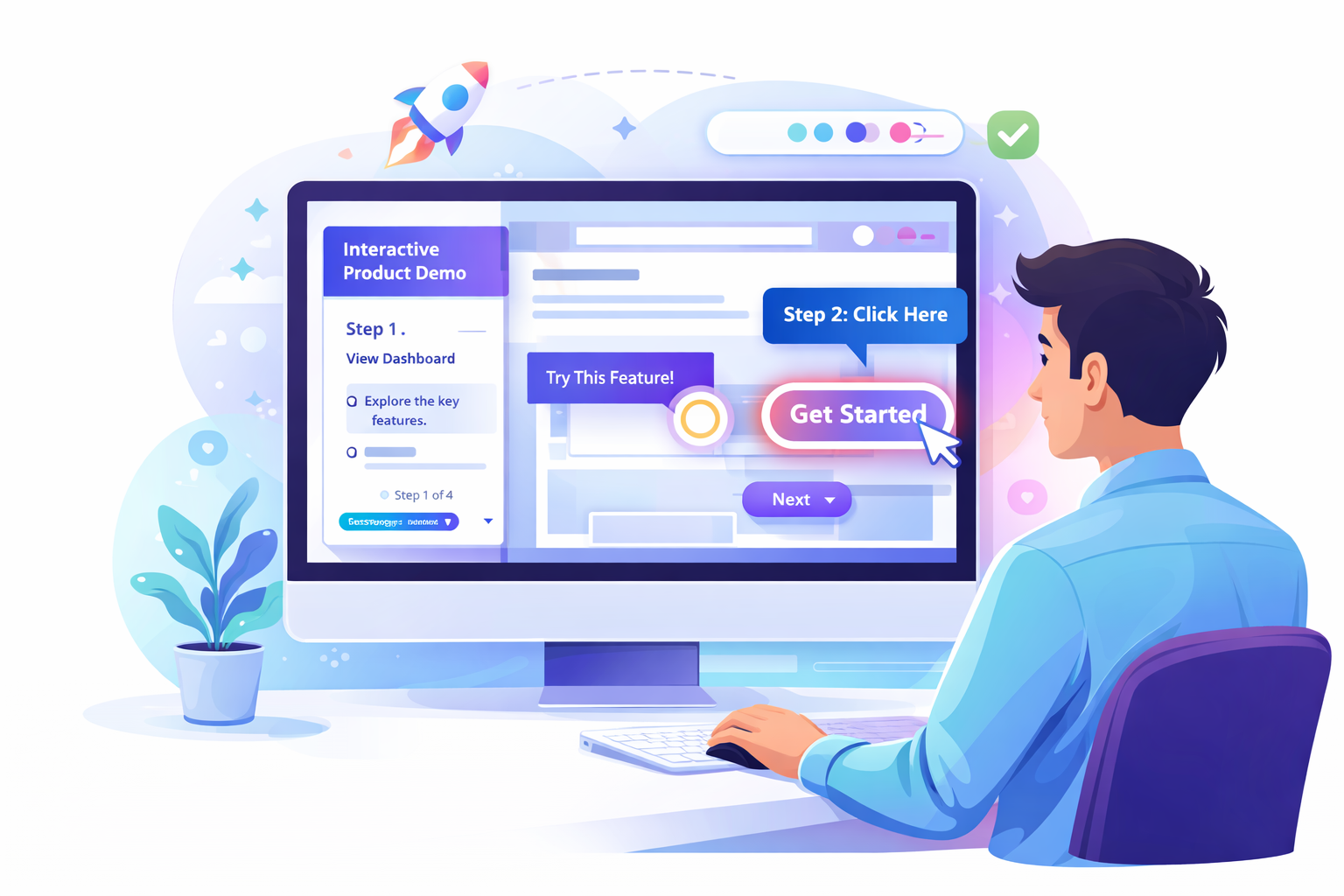
An interactive product demo is a hands-on, web-based simulation of your software that prospects can try with minimal friction. Instead of watching a prerecorded walkthrough, users click through realistic product flows, try features, and complete tasks all in a safe, guided environment.
Think of it as a sandbox that feels like the real product but doesn’t require sign-ups, installs, or a live sales call. Interactive demos often include hotspots, guided tours, branching paths, and sample data so users can see how the product solves problems relevant to them.
Types of interactive demos (and when to use them)
Interactive demos aren’t one-size-fits-all. Different demo styles work best for different stages of the funnel and different buyer intents.
- Guided interactive demos: A linear, hand-held experience that highlights core value props and key workflows. Great for marketing-qualified leads and top-of-funnel conversions.
- Exploratory or sandbox demos: Let users roam freely, try features, and customize workflows. Ideal for product-qualified leads and prospects who want to validate fit.
- Branched or decision-path demos: The demo adapts to user choices, surfacing relevant features and value. This works well for mid-funnel buyers with specific use cases or industries.
- Self-serve product demos: Completely autonomous experiences that enable evaluation without a sales rep. Use these to scale demos for inbound signups and trial users.
- Embedded in-app tours: Short interactive segments inside the product to onboard new users or highlight new features. Best for customer success and retention.
I've noticed that combining a short guided flow with an optional sandbox for deeper exploration hits the sweet spot: it gives direction without removing agency.

Why interactive demos matter for SaaS teams
Static screenshots and long demo videos are easier to produce — but they often fail to answer the real question customers care about: "Will this solve my problem?" Interactive demos remove doubt by letting buyers experience outcomes themselves.
Here’s why they’re effective for teams across the org:
- Product marketing: Demonstrate value quickly, test messaging, and reduce a lot of back-and-forth with prospects.
- Sales enablement: Arm reps with consistent demo scripts and a repeatable interactive product demo that shortens discovery calls.
- Growth and demand gen: Scale qualification with self-serve demos that convert more MQLs to SQLs.
- Customer success: Use interactive walkthroughs to onboard users faster and reduce time to value.
In my experience, interactive demos also reduce friction in hand-offs between teams. Marketing can attract and qualify, sales can follow up with a personalized walkthrough, and customer success can build onboarding paths from the same demo assets.
Key benefits — what you can expect
Interactive demos aren’t just flashy tech. They deliver measurable improvements across the funnel:
- Faster qualification: Self-serve demos filter out unqualified leads and highlight prospects who try business-critical features.
- Shorter sales cycles: When buyers can validate fit quickly, decision timelines compress. Teams report faster demo-to-close times when prospects test the product themselves.
- Higher conversion rates: Engaged users who complete interactive flows are more likely to convert than those who only watch a video.
- Better onboarding: Interactive tours reduce time-to-value and lower churn by teaching users through doing.
- Rich behavioral data: You get event-level signals — which features prospects tried, where they dropped off, and what questions they might have — to fuel follow-ups and product decisions.
As a practical example: instead of guessing whether a lead cares about your reporting dashboard, you can see the exact report they generated in your demo, then tailor your sales outreach around that behavior.
Core elements of a great interactive product demo
There’s no magic formula, but there are repeatable building blocks that successful SaaS demos share:
- Realistic sample data: Use plausible datasets so workflows feel authentic. Generic filler text kills credibility.
- Progressive disclosure: Start simple and surface complexity as users show interest. Avoid feature overload.
- Clear call-to-action points: Embed next steps at logical places — request a trial, chat with sales, or start a free account.
- Guided hotspots and tooltips: These help users discover value quickly without a rep present.
- Branching paths: Allow prospects to pick a persona or industry so they see relevant workflows.
- Embedded analytics: Track behaviors and tie them to lead scoring or rep notifications.
Keep flows short. People don’t have long attention spans, especially when evaluating multiple tools. I aim for demos that communicate core value in 3–6 minutes, and let users dive deeper if they want to.
How interactive demos support different stages of the buyer journey
Not every buyer comes with the same intent. A powerful demo strategy maps specific demo types to funnel stages.
- Top of funnel (TOFU): Short guided demos and landing-page widgets that show the core outcome in under a minute.
- Middle of funnel (MOFU): Branched or persona-specific demos that let prospects evaluate relevant capabilities.
- Bottom of funnel (BOFU): Deep sandboxes or trial-like demos with enterprise features enabled (watch for compliance/security concerns).
- Post-purchase: Onboarding tours and task-based demos to reduce time-to-value and drive adoption.
From a practical standpoint, this mapping makes your demo program measurable and repeatable. Sales knows which demo to send. Marketing can gate the right level of interaction. Customer success can pick the onboarding flows that solve common onboarding bottlenecks.
What to measure: demo metrics that matter
Metrics turn demos from a “nice-to-have” into a predictable growth lever. Track a mix of engagement and outcome metrics:
- Engagement: Click-through rates, session length, feature interactions, branching choices, and task completions.
- Qualification signals: Percentage of users who perform business-critical actions (e.g., generate a report, build a workflow).
- Conversion outcomes: Demo-to-trial, demo-to-paid, and lift in ARR per demo-qualified lead.
- Onboarding impact: Time to first value, activation rates, and retention among users who started with an interactive demo.
- Sales impact: Reduction in average sales cycle length and increase in win rates following demo interactions.
If you can correlate specific demo behaviors with revenue, you’ve created a powerful dataset for prioritizing product and sales investments. In my experience, even simple event tracking (e.g., which feature a user clicked first) can dramatically improve follow-up conversations.
Common mistakes and pitfalls (and how to avoid them)
Interactive demos are powerful, but they’re not magic. Here are mistakes I see teams make — and what to do instead.
- Overloading the demo with features: Feature-parade demos overwhelm users. Start with the job-to-be-done and show how your product gets the job done.
- No clear next step: If users don’t know what to do after trying the demo, they drop off. Embed CTAs and conversion paths at logical endpoints.
- Poor sample data: Fake-looking datasets destroy trust. Use real-world examples that match buyer personas.
- Lack of analytics: If you can’t see what users did, you can’t optimize. Instrument events and map them to outcomes.
- Too much friction: Asking for a signup or company email before users can try anything reduces conversions. Let people explore first.
- Not aligning with sales process: If sales reps don’t know how to use demo signals, the demo becomes just another vanity metric. Create handoffs and playbooks.
Small fixes go a long way. For example, replacing “sample company” names with industry-specific customers reduces cognitive friction and increases relevance.
Practical demo-building workflow for SaaS teams
Creating interactive demos should be collaborative and repeatable. Here’s a workflow I recommend that keeps marketing, sales, and product aligned.
- Define the job-to-be-done: Start with the core use case you want the demo to prove (e.g., generate a monthly executive report in under two minutes).
- Map the minimal path: Identify the few steps a user must take to see value. Keep it short.
- Create realistic data & scenarios: Populate demo flows with customer-like data and role-based personas.
- Design branching paths: Add 1–2 divergent flows for common buyer types (e.g., marketer vs. analyst).
- Instrument events: Track clicks, page views, and completion events in an analytics tool or CRM.
- Test with stakeholders: Run internal reviews with sales, product, and CS to catch confusing spots.
- Iterate quickly: Roll out A/B tests — messaging, CTA placement, and flow length — then optimize based on data.
We want demos that are easy to update. Product releases shouldn’t break your demo. Using a product demo software that supports modular updates makes maintenance painless.
How product demo software makes this easy
Not long ago, building an interactive demo required engineering time and sandbox environments. Today, product demo software (like DemoDazzle) lets marketing and product teams create and iterate without code.
Look for tools with these features:
- No-code editors: Build flows visually so non-engineers can own demo content.
- Embeddable players: Easily place demos on landing pages, pricing pages, and product pages.
- Analytics and integrations: Send event data to your CRM, analytics stack, or engagement platform for automated follow-ups.
- Templates & components: Start fast with industry-specific templates and common UX building blocks.
- Secure sandboxes: Offer realistic interactions while keeping user data and infrastructure safe.
DemoDazzle is built with these principles in mind. You can create guided demos, sandboxes, and branching flows quickly, integrate them with your CRM, and track behavior to score leads automatically. No engineering required — and you keep full control over content and data.
Examples: Demo flows that convert
Here are a few real-world demo flows that work well for SaaS companies. You can replicate these patterns for your product.
- Quick-win flow: Show the one thing that delivers immediate value (e.g., create a dashboard or automate a report). Keep it under 2–3 minutes.
- Persona-specific path: Ask a single question up front — “Are you a marketer or ops manager?” — and route users to tailored demos.
- Champion enablement pack: A longer, deeper sandbox for internal champions to build a sample workflow they can present to decision-makers.
- Feature spotlight micros: Tiny, 30–90 second demos focusing on a single feature with a CTA to schedule a live walkthrough.
One tactic I like: offer a “Get this report” button near the end of a demo. If a prospect clicks it, trigger a notification to sales with a link to the exact report they generated. That kind of specificity makes follow-up conversations much more relevant.
Self-serve demos vs. live demos — when to use each
Both self-serve product demos and live demos have a place in your GTM playbook. The trick is matching channel to intent.
Use self-serve demos to:
- Scale top-of-funnel qualification.
- Convert researchers who aren’t ready to talk to sales.
- Give prospects a quick taste of the product before they request a personalized demo.
Use live demos when:
- Prospects have nuanced requirements or complex integrations.
- High-touch negotiations require a human to manage objections and pricing.
- You want to co-browse, customize, or run a proof-of-concept in real time.
In practice, I recommend a hybrid approach. Let self-serve demos answer basic questions and surface qualified leads. Then have sales pick up those leads with a short, personalized live demo informed by the prospect’s demo behavior.
Integration checklist: connect demos to your tech stack
Interactive demos should be part of your martech stack, not isolated toys. Here’s what to integrate and why:
- CRM (e.g., HubSpot, Salesforce): Push demo events to contact records for better lead routing and follow-up.
- Analytics (e.g., Google Analytics, Snowplow): Track macro-level performance of demo pages and attribution.
- Product analytics (e.g., Mixpanel, Amplitude): Combine demo behavior with in-product activation metrics.
- Sales engagement tools (e.g., Outreach, SalesLoft): Trigger sequences when a prospect completes a key demo action.
- Customer data platforms or CDPs: Unify demo behavior with user profiles for personalization.
If your demo tool supports webhooks or direct integrations, you can often route events into automation rules that notify reps, score leads, and personalize follow-ups.
Security, compliance, and data privacy considerations
When you offer interactive demos, you’re responsible for ensuring they’re safe and compliant:
- No real customer data in demos: Use synthetic or anonymized datasets to avoid leaks.
- Sandbox isolation: Prevent demo interactions from touching production systems.
- GDPR & CCPA: Respect privacy preferences and provide opt-outs for data collection.
- SSO & enterprise gating: For BOFU or enterprise sandboxes, require controlled access and approvals.
These are practical requirements, not blockers. Modern product demo software often includes sandboxing and access controls out of the box. Still, involve security early if you plan to expose advanced features or integrate with real data.
How to write demo copy that converts
Words matter. Demo copy should be clear, outcome-focused, and scannable. Here are a few writing tips I use when building interactive demos:
- Lead with outcomes: “Build a weekly executive report in 90 seconds,” not “Here’s our reporting module.”
- Use microcopy: Short, contextual hints reduce user confusion.
- Make CTAs specific: “Get my sample report” beats “Learn more.”
- Include social proof near conversion points: logos, quick stats, or short quotes that reinforce credibility.
- Speak the prospect’s language: Avoid internal product names and jargon unless your target audience recognizes them.
Small language changes often deliver big improvements. Swap “See features” for “Try how this saves you 5 hours/week” and watch engagement rise.
Testing and optimization: a practical approach
Don’t launch a demo and forget it. Treat your interactive demo as a product: run experiments and iterate.
Begin with tactical A/B tests:
- CTA copy and placement.
- Flow length: 3 vs. 6 minutes.
- Different sample datasets by persona.
- Branching logic that surfaces alternate end-states.
Use analytics to identify friction points — where users exit, which features they ignore, and which branches convert best. Then prioritize fixes that improve core metrics like demo completion and demo-to-trial conversion.
Real-world use cases across teams
Here’s how different teams can use interactive demos day-to-day:
- Product marketing: Launch new feature demos on the product page to capture interested buyers; embed demos in paid campaigns to improve lead quality.
- Sales: Send a short persona-specific demo before call to reduce discovery time and surface questions for a focused conversation.
- Growth: Gate advanced product pages with an interactive demo that collects intent signals and reduces churn from poor-fit users.
- Customer success: Use task-based demos to teach new features and track adoption milestones for churn risk scoring.
These use cases aren’t theoretical. They’re practical ways to reuse the same demo assets across teams — which saves time and keeps messaging consistent.
Budgeting and resourcing: who builds and owns demos?
Ownership varies by company size and structure. Here are common models:
- Marketing-owned: PMMs design demos for top-funnel and MOFU needs, with support from product for realistic flows.
- Sales-first: Enablement or sales ops builds demos focused on hand-raisers and high-touch accounts.
- Product-owned: Product teams own sandbox and in-product tours for onboarding and feature releases.
- Cross-functional center of excellence: A small team (PMM, sales enablement, product designer) that builds templates and governs demo standards.
I favor a cross-functional model. It reduces duplicated work and makes it easier to align demo content with GTM plays.
Costs and ROI considerations
There’s an initial cost to building interactive demos — tool subscription, time to create flows, and integration work. But the ROI can be compelling:
- Lower cost per qualified lead when demos replace manual qualification calls.
- Higher trial-to-paid conversion because users have already experienced the core value.
- Faster onboarding and reduced support cost because users learn through doing.
To evaluate ROI, track the delta in conversion rates and sales cycle length for leads that used the demo versus those that didn’t. Even modest improvements in conversion can justify the investment.
Tools & features checklist
When evaluating product demo software, make sure it can do the essentials:
- No-code demo builder
- Embeddable player for web pages
- Branching and persona targeting
- Secure sandboxing and synthetic data support
- Event tracking and analytics
- Integrations with CRM and sales engagement tools
- Templates and reusable components
These features reduce build time and make demos actionable for revenue teams.
Case study snapshot (hypothetical, practical illustration)
Imagine a mid-market analytics startup with a long sales cycle. They build a 4-minute guided demo that shows a marketer how to build and share a cross-channel performance dashboard.
After launching the demo, they instrument events and route anyone who generates and downloads a dashboard to a sales sequence. The result: more qualified discovery conversations and a 20% shorter average sales cycle. Sales teams loved the contextual follow-ups (they could say, “I saw you generated the executive dashboard — want to review it together?”).
That type of specificity beats blind demos every time.
Frequently asked questions
Q: Do I need engineering to build interactive demos?
A: Not if you choose the right product demo software. No-code builders enable PMMs and product teams to own content while still allowing engineering to handle integrations and security reviews.
Q: How long should a demo be?
A: Aim to convey core value in 3–6 minutes for guided demos. Offer optional deeper sandboxes for users who want to spend more time.
Q: Should we gate demos behind forms?
A: I recommend offering an ungated sample first, then asking for an email to access deeper functionality. That balances friction with lead capture.
Q: Can interactive demos handle complex integrations?
A: Yes, but be careful. Enterprise-level sandboxes may require additional security, SSO, and data handling policies. Coordinate with security and platform teams early.
Practical checklist before launch
Before you publish, run through this checklist:
- Defined job-to-be-done and success criteria
- Minimal path to value mapped and tested
- Realistic sample data and personas
- Event tracking instrumented and integrated with CRM
- Clear CTAs and follow-up automation in place
- Security and privacy review completed
- Internal training for sales and CS on demo signals
Skipping any of these steps often leads to underperforming demos or frustrated stakeholders.
Closing thoughts: build with intent
Interactive demos are more than a shiny tactic. When built thoughtfully, they become a core part of your GTM engine — improving qualification, shortening sales cycles, and increasing adoption.
If you’re just starting, don’t try to replicate every feature in a single demo. Pick one high-impact job-to-be-done and prove it. Iterate based on real user behavior. Share the data with sales and CS, and use those insights to evolve both your demo library and your product roadmap.
In my experience, teams that treat demos like products — measure them, test them, and iterate — get outsized returns. And the best part? Modern product demo software makes that process fast and repeatable.