How Product Teams Use Demos for User Onboarding
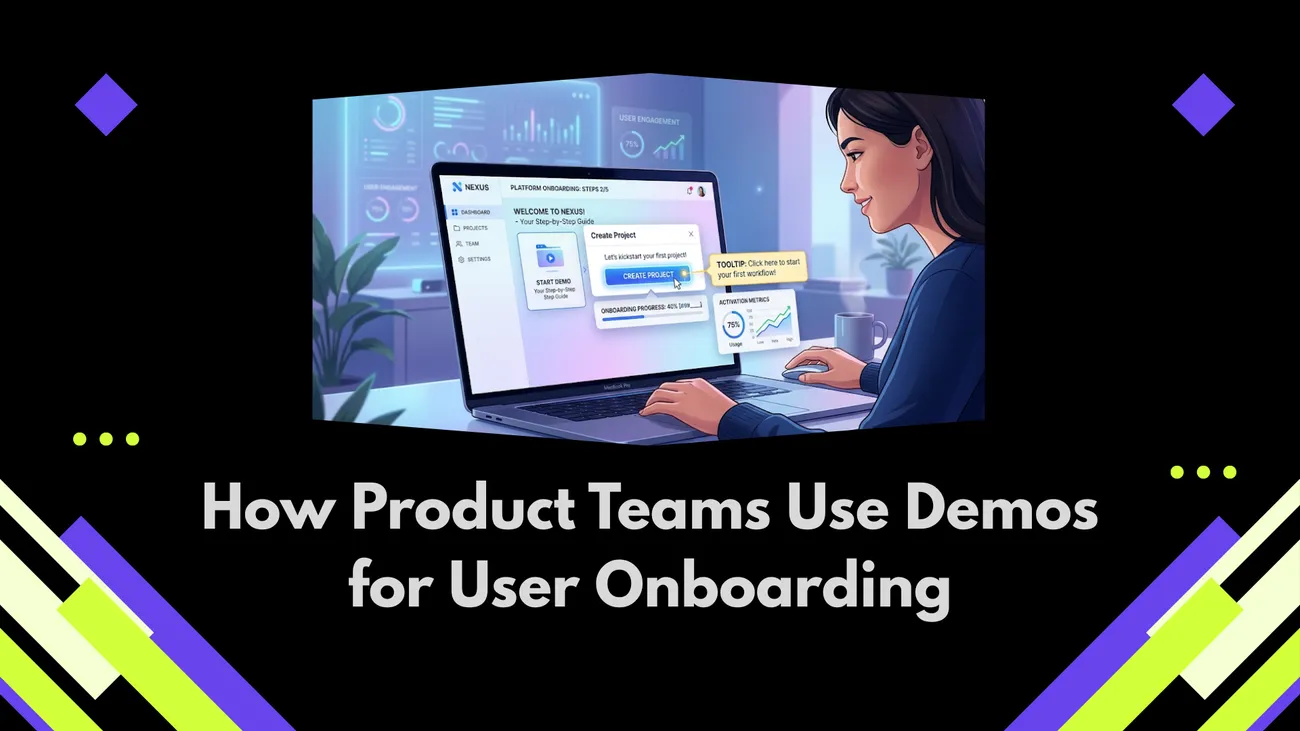
The blog argues that interactive demos transform onboarding by guiding users to meaningful first successes, improving activation, feature adoption, and retention. It explains demo types (product tours, sandboxes, micro-videos, self-serve demos, live sessions), design principles (lead with outcomes, short flows, interactivity, context, low risk, segmentation), and a step-by-step playbook for choosing, prototyping, instrumenting, and A/B testing demos. Practical scripts, metrics to track (activation, completion, time-to-value, retention), common mistakes, persona-based segmentation, tooling options, and scaling advice help teams implement demos without heavy engineering. The post ends with a checklist, tips, and case evidence that focused demos accelerate user value and reduce churn.
If you’ve built a product, you know the hardest part isn’t the coding—it’s getting users to discover the right features at the right moment and keep coming back. Teams that treat behavior as a core part of onboarding see higher activation and retention. With DemoDazzle, demos become more than flashy showcases—they turn into powerful tools for guiding users, nudging actions, and measuring real behavior, not just surface-level engagement.
This article will go over how product teams use demos for user onboarding and offer easy instructions you can implement right away. Product managers, SaaS creators, growth teams, UX designers, customer success representatives, and onboarding experts are the target audience. Expect basic examples you may emulate in your own product tours or interactive demos as well as concrete strategies and typical blunders.
Why demos matter for product onboarding
First let's consider the why. Learning comes from experience. Users seldom act upon a static help post or a lengthy explanatory video. Interactive demos let consumers experience the product in-context, hence addressing that. Instead of asking consumers to guess what to do next, they direct them toward a result.
Here are a few reasons demos are so effective:
- Faster activation. Guided product tours and interactive demos reduce the time it takes for a user to reach a "moment of value."
- Higher feature adoption. Showcasing a feature in a short demo makes it more likely users will try it themselves.
- Lower support load. Good demos answer common questions before users have to ask for help.
- Better retention. Users who reach their first success quickly are more likely to come back.
In my experience, onboarding that includes interactive demos improves early retention noticeably. It’s not magic. It’s about reducing friction and making success obvious. If you want to go deeper into how demos influence user decisions and engagement, explore our guide on interactive sales storytelling.
Types of demos and when to use each
Not all demos are the same. Pick the format that matches your goal and your user’s readiness. Here’s a quick breakdown.
- Interactive product tours. Step-by-step walkthroughs inside your actual UI. Best for getting users to complete multi-step flows.
- Clickable sandbox. A live test environment where users can try features without risk. Great for complex or data-sensitive products.
- Video micro-demos. Short videos that show a key workflow. Useful for awareness and quick orientation.
- Self-serve interactive demos. Embedded, no-install demos that simulate the product. Ideal for freemium signups and website visitors.
- Live demo sessions. Often used for high-touch or enterprise sales are human-led tours. Ideal when you want to tailor the flow and respond to particular inquiries.
Interactive product tours and self-serve interactive demos usually provide the most consistent increases in user engagement and activation for self-serve SaaS onboarding. Users learn by doing, independent of a support representative.
How demos improve activation and retention
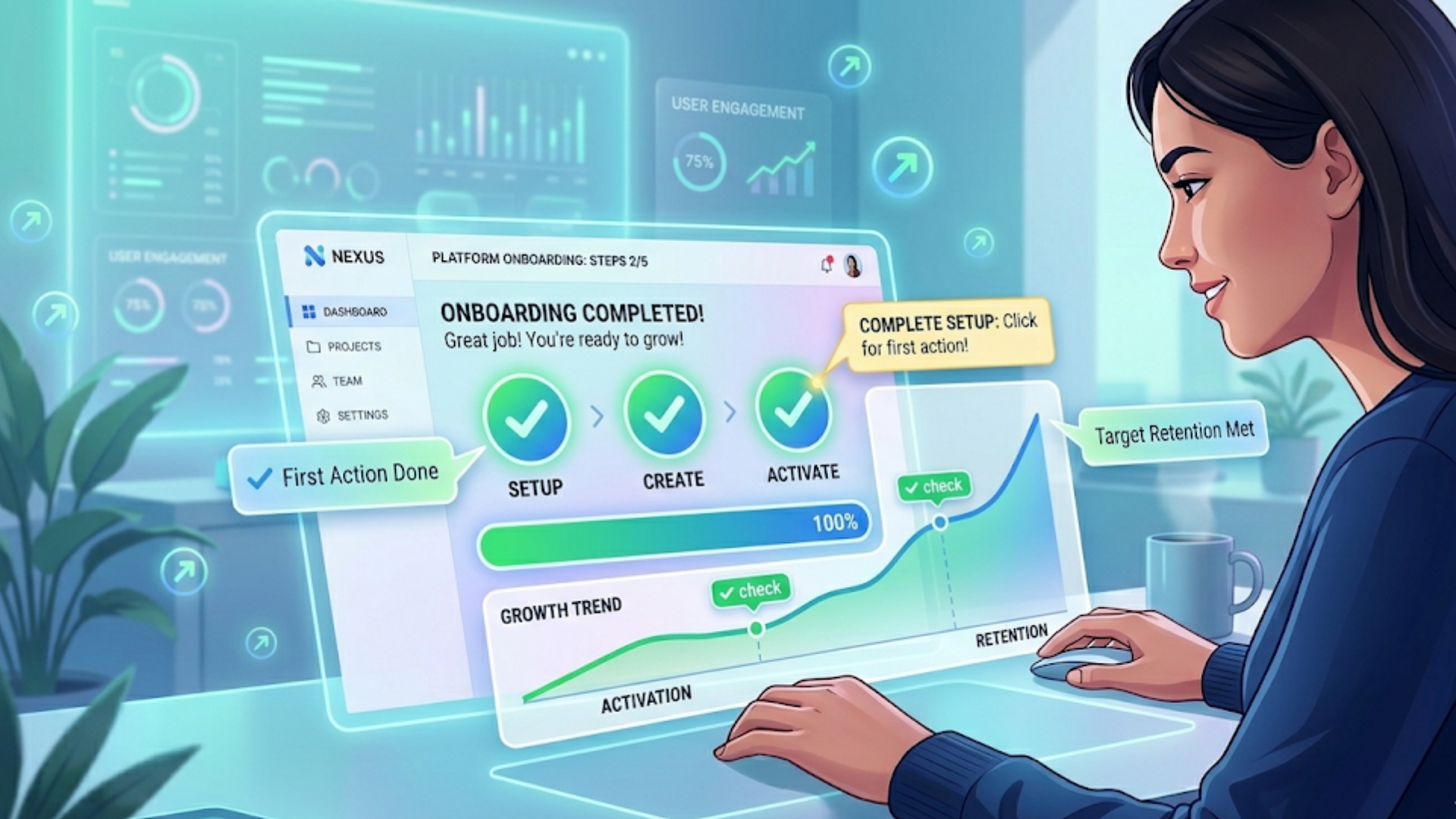
Here's the causal chain I watch for: demos increase correct first actions, correct first actions lead to early activation, and early activation boosts retention. It's simple when you break it down.
Think about the first session after signup. If a user completes the key action that delivers value — like sending their first campaign, creating their first dashboard, or adding a teammate — they feel successful. That feeling triggers repeat use. Demos steer users toward that success.
Two small examples I use when coaching teams:
- For a CRM product, a 90-second interactive demo that walks the user through creating a lead and logging an activity improved first-week engagement by 25 percent.
- For an analytics app, a sandbox with sample data that lets users build and save a dashboard reduced drop-off during onboarding by nearly half.
Both examples show the same point: users need a low-friction path to meaningful outcomes. Demos create that path.
Design principles for effective demo-based onboarding
When you design demos, keep these principles in mind. They're not fancy. They're practical and they keep your demo focused on the job it needs to do.
- Start with outcomes. Lead with the user goal you want them to achieve. If you don't know the first meaningful outcome, you don't have a demo goal.
- Keep it short. A good demo takes 60 to 180 seconds to complete. Longer flows lose attention.
- Make it interactive. Let users click, type, and see the results. Passive watching rarely leads to adoption.
- Context matters. Show the demo in the real UI or a close replica. Context reduces cognitive load.
- Lower risk. Use sandbox data or safe modes so users can try features without fear of breaking anything.
- Segment and personalize. Different user roles need different demos. Tailor content for admins, end users, and trial users.
In practice, that means you design a focused walkthrough, not an encyclopedic tour of every feature. Focus on the path to value.
Practical steps to implement demo-based onboarding
Here’s a step-by-step playbook you can use to implement demos without overcomplicating things. I've run this sequence with teams at startups and in larger SaaS orgs. It works whether you have a 2-person team or a 20-person product group.
- Define the key activation event. What single action shows the user your product works for them? Examples: created a project, connected a data source, invited a teammate.
- Map the minimum steps to that event. Write the exact clicks or inputs needed. Cut anything that is optional for first success.
- Choose the demo type. Pick a product tour, a sandbox, or a self-serve interactive demo based on complexity and risk.
- Prototype the flow. Use quick tools or lean mockups to test the demo script with teammates or beta users. Don't overbuild.
- Instrument events. Track every step in the demo so you can see where people drop off. Instrumentation tells you whether changes help.
- A/B test variations. Try a shorter flow, different language, or a screenshot versus live UI. Measure activation and retention.
- Iterate based on data. Use the metrics to tighten the path to value. Small wins compound.
- Scale with segmentation. Roll out role-specific demos once you have a high-performing baseline demo.
You don't need a big engineering lift to start. Many onboarding tools let you build interactive demos visually. I recommend starting with one high-value flow and perfecting it before expanding.
Script examples: simple micro-demos you can copy
Below are short demo scripts you can adapt. Keep them bite-sized. Each demo is designed to be completed in about 90 seconds.
Example 1: The "Create Your First Project" demo
- Welcome pop-up with one-liner: "Let's create your first project. It'll take 60 seconds."
- Guide points to the New Project button and highlights it.
- Pre-fill the project name with a friendly example like "Marketing Sprint - April".
- Prompt to click Create. Show a success message and highlight next steps like adding teammates or tasks.
- End with a tip card: "Want to invite teammates? Click here" and a close CTA to take the user to the next task.
Example 2: The "Send Your First Campaign" demo
- Intro modal: "Ready to send a test campaign? We'll walk you through it."
- Highlight the Campaigns tab, then the Create button.
- Show a pre-filled subject and audience selection using a demo audience.
- Guide the user to click Send Test and show the test confirmation screen.
- Prompt the user to schedule a full send when ready or explore analytics after the test.
These scripts are intentionally simple. The trick is to remove decision points. Don't ask users to choose lots of options in the first flow. Let choice come later.
Measuring success: what metrics to track
If you can't measure it, you can't improve it. Track a mix of activation, engagement, and retention metrics to see whether your demos are doing their job.
- Activation rate. Percentage of users who complete your defined key activation event within a time window, e.g., 7 days.
- Demo completion rate. How many users start and finish the demo. Low completion often means friction.
- Time to first value. Median time it takes for users to reach the activation event after signup.
- Feature adoption. Percentage of users who use a targeted feature within 30 days.
- Retention cohorts. Compare 7-day and 30-day retention for users who completed the demo versus those who did not.
- Support tickets and help queries. Are they lower for users who completed demos?
As a rule, I watch demo completion and time to first value closely. They usually tell the story early. If completion is high but activation is low, the demo might not link closely enough to the value moment.
Segmenting demos by user persona
One size rarely fits all. Different roles use different parts of your product. Treat onboarding like role-based training, not a single path for everyone.
For example:
- Admins need setup flows, integrations, and permission settings.
- End users care about core features and quick wins.
- Managers want reports and team-level controls.
Ask users one quick question on signup like "What will you use X for?" and route them to the demo that makes the most sense. In my experience, a two-question segmentation step is enough to send most people to a relevant demo without annoying them.
Common mistakes and how to avoid them
I've seen the same pitfalls over and over. Avoid these and you’ll save time and frustration.
- Trying to show everything at once. If your demo lists 20 features, users will ignore it. Focus on the path to value.
- Using vague language. Replace "Explore features" with "Create your first report in 90 seconds."
- Not instrumenting steps. Without analytics you’re guessing. Track events in the demo flow.
- Forcing the demo. Let users skip or opt out. Forced tours feel like nagging.
- Ignoring edge cases. If a user has no data, your demo should handle it gracefully with sample data or guided setup.
- Neglecting mobile. Mobile flows need different patterns. Don’t assume desktop tours work on small screens.
Small errors can kill conversion. For instance, we once saw a demo with a required input field that confused new users. A tiny tweak to prefill the field fixed activation rates overnight. That’s why iteration matters.
Content and language tips: what to say in demos
Language matters as much as interaction design. Demos should be clear, action-oriented, and friendly. Here are some quick rules of thumb:
- Use plain language. Avoid product jargon in the first flow.
- Lead with outcomes. "Create a report" is better than "Use reporting."
- Use microcopy to reduce anxiety. "This is safe. You can try it without saving."
- Be concise. Try to keep each step to one short sentence.
- Give immediate feedback. After each action, confirm success with a small animation or message.
If you're unsure about tone, test two versions: a straight instructional tone and a more conversational tone. Different audiences react differently. Enterprise admins may prefer direct instructions, while individual users may respond better to casual language.
Tools and integrations for interactive demos
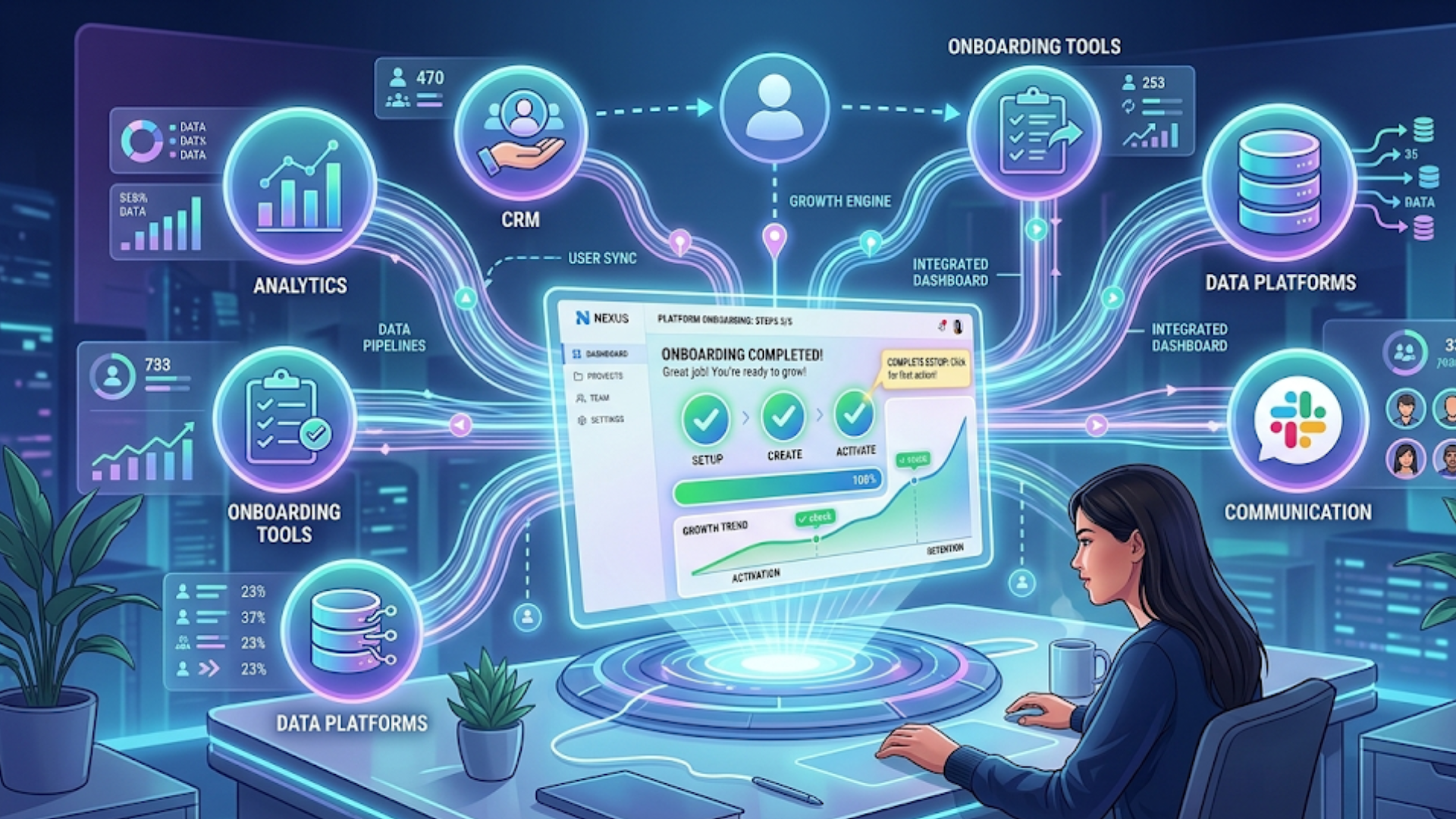
There are many onboarding tools that let you build demos without heavy engineering. Choose one that matches your product complexity and team bandwidth.
- Self-serve interactive demo platforms that embed on your site and simulate product flows.
- In-app guidance and product tour tools that overlay instructions on your UI.
- Sandbox environments that let users try the full product with sample data.
- Analytics platforms that link demo steps to activation and retention metrics.
At Demodazzle, we focus on interactive demos that can be embedded on marketing pages and inside the product. They let teams build clickable, no-install demos replicating actual processes. Self-service demos can be quite effective if your aim is to lower friction for signups and provide fast proof of worth.
Integrating demos into the user journey
Demos should fit into the funnel, not sit on their own. Think about the user lifecycle and where demos can move people forward.
Typical insertion points:
- Marketing pages: let visitors try a short interactive demo to hook them before signup.
- Signup flow: show a micro-demo that explains key setup steps before users reach the app.
- First session: launch an in-app tour guiding a user to immediate value.
- Feature release: use targeted demos to boost adoption of new capabilities.
- Support and help center: embed demos to answer frequent how-to questions.
A common pattern I like is "preview, try, then do." Let marketing pages preview key features, offer a self-serve interactive demo to try the feature, and then guide the user to do the real thing once they sign up. This pipeline reduces uncertainty at each step.
Testing and learning: what to A/B test
Don't guess. Test. Here are simple A/B tests that teach you a lot about user behavior.
- Demo versus no demo on the signup page. Measure activation and trial-to-paid conversion.
- Short demo versus long demo. Often shorter wins.
- Live data versus sample data. See which helps users learn faster.
- Pre-filled inputs versus blank inputs. Pre-filled reduces friction but can hide complexity.
- Guided tooltip sequence versus checklist. Tooltips work for step-based flows; checklists work for configuration tasks.
When you test, pick a primary metric like time to activation. Secondary metrics might include demo completion and NPS. Run tests long enough to reach statistical significance, but start with small experiments so you can learn fast.
Case study: a quick, practical example
I once worked with a small SaaS team that was losing 40 percent of new signups in the first two days. They had a complicated setup requiring users to connect a data source. We built a two-step interactive demo: the first step showed where to find credentials in a popular third-party tool, and the second simulated the connection using sample data.
We measured results over four weeks. Demo completion rose to 70 percent, time to first value dropped from 48 hours to 6 hours, and first-week retention improved by 18 percent. The demo didn't change the product; it changed how users discovered value. That change was huge.
Scaling demos: when and how to expand
Start small, then scale. Once one demo proves effective, expand to other critical flows. Prioritize based on impact and frequency.
Steps to scale:
- Identify the top 3 activation events across your customer base.
- Replicate the demo playbook for each event.
- Segment demos by role and industry where it matters.
- Embed demos in product help, marketing, and onboarding emails.
- Train customer success teams to reference and share demos during live calls.
Scaling is as much about governance as it is about creation. Keep demo scripts centralized and versioned so every team uses the same language and measurements.
How to handle complex or regulated products
Some products require real data or have compliance constraints. You can still use demos, but you need a plan that respects safety and privacy.
Options for regulated contexts:
- Use anonymized or synthetic data that looks and behaves like real data.
- Offer a certified sandbox environment that meets compliance needs.
- Provide a read-only demo mode so users can explore without changing anything.
- Use short live demos with customer success for workflows that require human validation.
Be transparent about demo limitations. Tell users when they're in a sandbox and what will change in the real product. Honest communication builds trust.
Common onboarding tools and how to choose one
When picking an onboarding tool, ask practical questions: Can it embed an interactive demo on my landing page? Will it work inside the product UI? Does it track completion and link to my analytics stack? How much engineering time is required?
Look for:
- Easy demo creation with a visual editor.
- Support for role-based and segmented flows.
- Analytics and event hooks for tracking success.
- Low performance overhead so it does not slow the product.
- Good documentation and responsive support.
At Demodazzle, our goal is to make interactive demos simple to create and easy to measure. You can embed demos on marketing pages and inside the product without heavy engineering. If you want to see how that works in practice, you can Book your free demo today.
Playbook: quick checklist to launch a new demo
Here’s a short checklist that teams can use right before launch. Use it during your next sprint to make sure you don’t miss anything important.
- Define the activation event and success metric
- Map the minimum steps needed to reach that event
- Choose the demo format: product tour, sandbox, or self-serve demo
- Write a short script with clear microcopy
- Create a prototype and test with internal users
- Instrument each step with analytics
- Run an A/B test versus current onboarding
- Iterate based on data and feedback
- Roll out segmentation by role or persona
- Document the demo and share with success and marketing teams
Practical tips from the field
A few practical things I wish teams did more often:
- Use sample data aggressively. It eliminates a lot of first-time friction.
- Invite product people to watch new users try the demo. Observing real users surfaces small but important UX fixes.
- Keep demos optional. Offer a quick skip and a "show me later" option.
- Put the CTA to re-run the demo inside help channels so users can revisit the walkthrough anytime.
- Measure the demo's long-term effect on churn, not just activation. A good demo should improve both.
FAQs
1. What is demo based onboarding and how is it different from traditional onboarding?
Demo based onboarding uses interactive, hands-on experiences to guide users through a product, instead of relying on static tutorials or documentation. Unlike traditional onboarding, it allows users to learn by doing, helping them reach value faster and improving engagement.
2. How long should an effective onboarding demo be?
An effective onboarding demo should typically take 60 to 180 seconds. Short, focused demos perform better because they keep users engaged and guide them quickly to a meaningful outcome without overwhelming them.
3. Can demo based onboarding work for complex or enterprise products?
Yes, demo based onboarding works well even for complex products. Using sandbox environments, sample data, or guided workflows, teams can simplify complex processes and help users understand value without risk or heavy setup.
4. How do you measure the success of demo based onboarding?
Success can be measured using key metrics such as activation rate, demo completion rate, time-to-value, feature adoption, and retention. These metrics help determine whether your demos are effectively guiding users toward meaningful actions.
Demos work because they reduce uncertainty and lower the cost of learning. They are not a replacement for great UX or solid customer success. Instead, they plug into your onboarding funnel and make those investments more effective.
If you focus on a single thing, make it this: design demos that lead to one clear first success. Nail that, and you’ll see downstream improvements in engagement and retention. Nail several and your onboarding becomes a growth engine.
Quick aside: if your team is debating between a long tutorial and a short demo, pick the short demo. You can always layer more help later.
Helpful Links & Next Steps
- Demodazzle
- Demodazzle Blog
- Book your free demo today
- Contact Us
- support@demodazzle.com
Want to see a few demo patterns in action? Book your free demo today and we can walk through examples tailored to your product and users.