How Product Demo Video Makers Can Boost Your Sales Funnel
If you sell SaaS, chances are you know how hard it is to move prospects through the funnel. Long cycles, noisy inboxes, and prospects who want to see your product before they commit make every stage more complex. That is where product demo videos come in. Used right, they speed up qualification, improve conversion rates, and make onboarding smoother.
I’ve worked with founders and product marketers who underestimated demo videos at first. Then they added a few targeted clips and watched demo bookings and trials climb. It is not magic. It is strategy, clarity, and the right tool. In this post I’ll walk through exactly how product demo video makers help each stage of the SaaS funnel, what types of videos to create, how to distribute them, common mistakes to avoid, and a practical playbook you can start using today.
Why product demo videos matter
Text is fine for specifications. But when people decide to buy software they want to see it work. Demo videos hosted on an online video hosting platform show value faster, reduce back-and-forth, and let your team focus on higher value conversations. They also humanize product stories in a way screenshots and PDFs rarely do.
Here are a few reasons demo videos move the needle:
- They shorten time to value by showing outcomes instead of features.
- They generate higher quality leads because viewers self-select by intent.
- They reduce objections by answering basic questions before a sales call.
- They scale your product expert, so you can personalize at scale.
In my experience, teams that use demo videos consistently see better demo-to-trial and trial-to-paid ratios. It starts with matching the video to the buyer’s stage and questions.
Where demo videos fit into the sales funnel
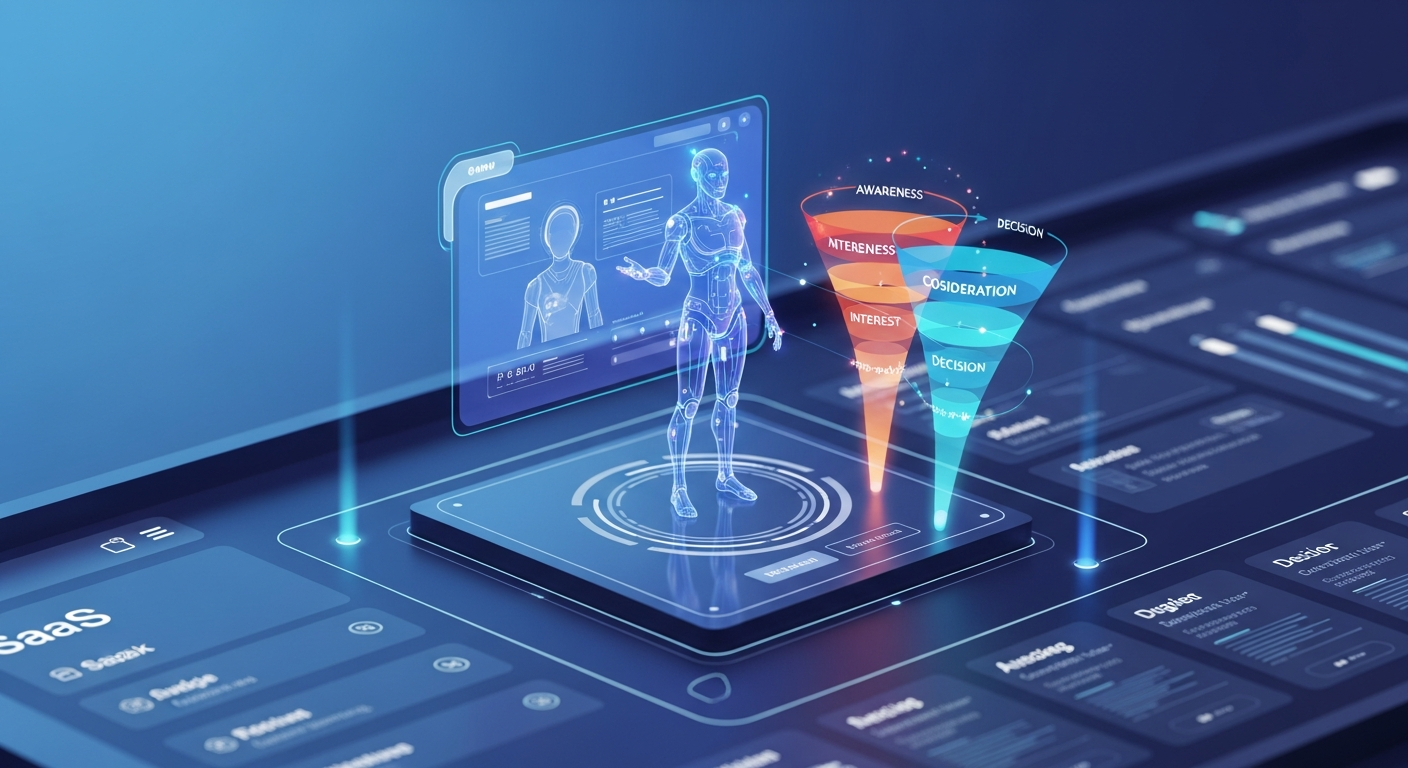
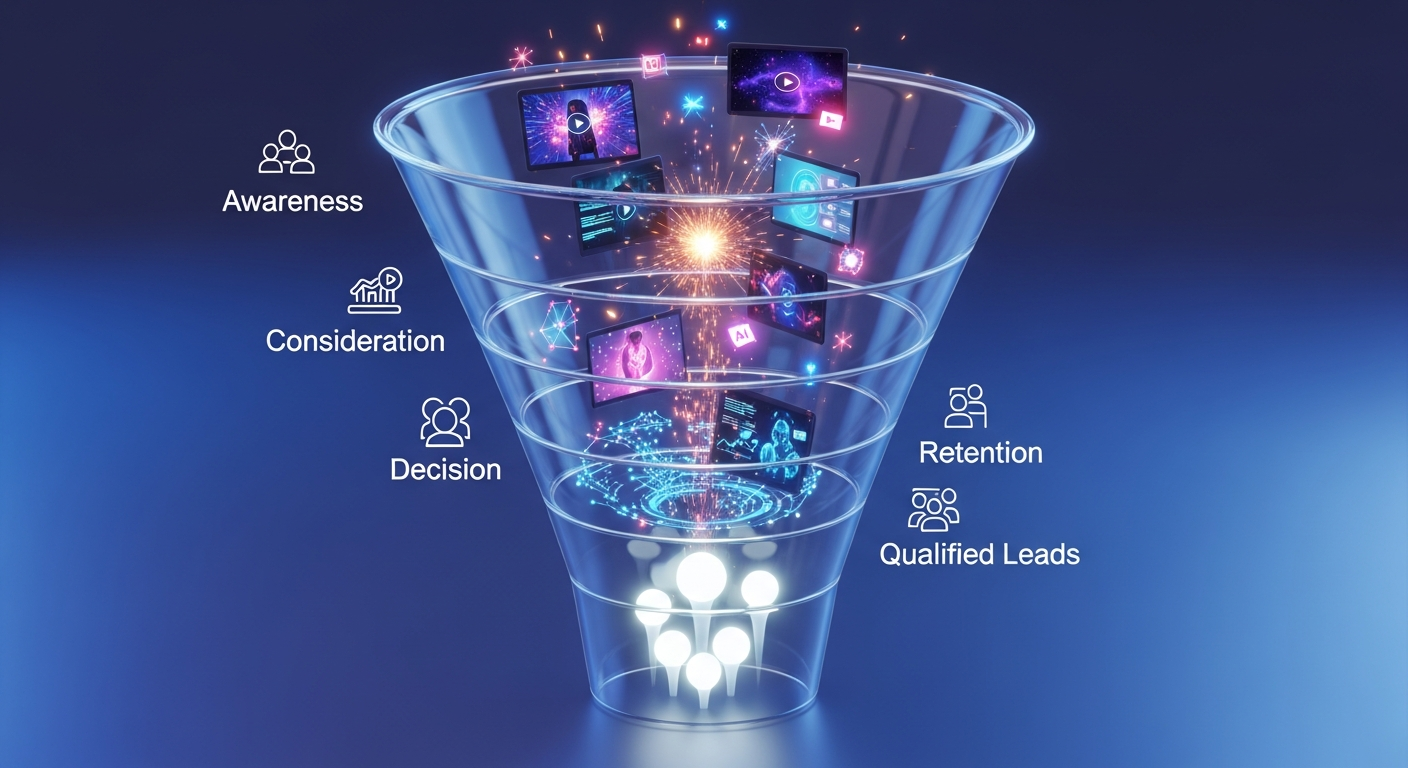
Let’s map demo videos to the funnel: awareness, consideration, decision, and retention. Each stage needs a different approach and a slightly different video type.
Awareness
At the top of the funnel your goal is to get noticed and explain the problem you solve. Keep it short and benefit-focused. Think of these as teasers that earn attention and clicks.
- Video types: hero product videos, short explainer clips, social ads.
- Length: 15 to 60 seconds.
- Goal: generate clicks, engage, and drive viewers to a landing page or blog post.
Quick tip: use a single strong hook in the first 5 seconds. If your intro is weak, you lose people. Ask a question or show a clear outcome: save time, reduce churn, or speed onboarding.
Consideration
Now prospects are evaluating options. They want to know what you actually do. These videos should show key workflows and how your product solves a real problem.
- Video types: walkthroughs, feature-focused demos, product tours.
- Length: 2 to 5 minutes.
- Goal: move prospects to request a live demo or start a free trial.
When you build these, lead with the outcome. Show the steps a user takes to solve the problem, not every button they might click. People are deciding whether your product can do the job. Make that obvious.
Decision
At the bottom of the funnel prospects need reassurance. They want comparisons, ROI, security details, and examples of similar customers. These videos reduce friction and prepare buyers for close.
- Video types: personalized demos, case studies, ROI calculators explained on video, competitive comparisons.
- Length: 3 to 8 minutes depending on complexity.
- Goal: shorten decision time, improve demo-to-close conversion.
A personalized demo where you show a prospect their own data or use case is very powerful. You can automate parts of this, which I’ll cover later.
Retention and expansion
After someone becomes a customer the goal is adoption and expansion. Demo videos are great for onboarding, feature announcements, and cross-sell plays.
- Video types: onboarding walkthroughs, feature deep dives, success stories, training snippets.
- Length: 1 to 10 minutes depending on complexity.
- Goal: reduce time-to-value, lower churn, increase upsell opportunities.
One thing I’ve noticed is that even small tutorial videos can cut support requests by a noticeable margin. Customers prefer quick videos to long docs.
Types of product demo videos that actually work
There are more formats than you probably need. Pick the ones that match your funnel stage and buyer persona. Below are the formats I recommend for SaaS teams, with simple examples you can copy.
Hero or teaser videos
Short, sharp, and designed for social or the homepage. Show the main benefit and a clear CTA.
Example script: “Tired of manual reporting? See results in 3 clicks. Book a demo.”
Feature walkthroughs
Show a single workflow end to end. Keep it focused. Walkthroughs beat feature lists because they show context.
Example: “Here’s how you create a report in 90 seconds. Step 1, pick the dataset. Step 2, choose a template. Step 3, export and share.”
Personalized demos
Record a short video addressing a prospect by name, using their logo or sample data. It raises response rates and shortens cycles.
Example: “Hey Jamie, I pulled your sales CSV into our dashboard. Look how your forecast updates instantly.”
Use-case demos
Target industry-specific scenarios: finance, customer success, marketing. These show you understand the buyer’s job to be done.
Example: “For customer success teams, here’s how churn risk tiers populate automatically.”
Onboarding and training
Short tutorials for specific tasks. Keep them bite-sized so people can find exactly what they need.
Example: “How to add teammates and set permissions, in 90 seconds.”
AI and automated demos
AI demos are a growing trend. They can generate personalized narratives or show simulations that feel live. Use them to offer tailored value without scheduling a call.
Example: “Enter your company size and I’ll show expected ROI and setup time.”
How to create demo videos that convert
Creating demo videos is part craft and part process. Below is a practical checklist I use when coaching teams. Follow these steps and you will avoid the usual mistakes.
1. Start with a clear goal
Every video needs a singular purpose. Are you trying to get clicks, demo bookings, or product signups? Pick one and write it down. If you try to do everything in one video, the message gets blurry.
2. Map to buyer questions
Think about what your buyer needs at each stage. At awareness they might ask, “Will this save me time?” At decision they ask, “How does this fit into our stack?” Answer those questions clearly in the video.
3. Write a short script
Keep scripts tight. Lead with the problem, show the solution, highlight the outcome, and end with a clear next step. I aim for conversational language, not product marketing copy.
Simple script structure:
- Hook: one sentence problem or bold outcome.
- Intro: who you are and what the product does in one line.
- Demo: three steps to show the core workflow.
- Close: summarize the benefit and CTA.
4. Keep visuals focused
Zoom the demo into the parts that matter. Don’t show every menu item. Use annotations or callouts to guide the eye. If you are demoing a complex setup, consider splitting it into multiple short videos.
5. Record crisp audio
Bad audio kills credibility. Use a decent mic and quiet room. If you can’t record perfect voiceovers, use short captions and on-screen callouts so people can follow without sound.
6. Add captions and transcripts
Many viewers watch on mute, especially on social. Captions are non-negotiable. Plus transcripts help SEO and accessibility, which is a win for everyone.
7. Use a strong thumbnail and first frame
People decide to watch on the thumbnail. Use a clear value statement or screenshot of the key screen. A human face pointing at the product also works well.
8. Include a clear CTA
Tell viewers what to do next. Book a demo, start a free trial, or view pricing. Keep the CTA matching the video’s goal. For personalized demos, it can be as simple as “Schedule a 15 minute call.”
Distribution and integration
Making a great video is only half the work. Where you place it and how you integrate it with your sales and marketing tools determines the lift you’ll get.
Website and landing pages
Product pages should have short, targeted demo videos that answer the most common questions. Use longer walkthroughs on comparison or pricing pages where buyers need more detail.
Email and nurture sequences
Embed short clips or animated GIFs in outreach. A 60 second personalized clip in an outbound email can increase replies dramatically. I’ve seen reply rates double with a small personalized video attached.
Sales playbooks
Give sellers a library of videos they can send. Tag videos by use case and buyer persona so reps pick the right clip fast. Keep templates for personalization to save time.
LinkedIn and social
Use short teaser clips as ad creative and organic posts. Focus on the problem and the outcome. Measure clicks to a product tour landing page.
Help center and onboarding
Replace long how-to guides with short show-and-do videos. Track which videos cut support tickets and iterate.
Automation and CRM integration
Connect demo video tools to your CRM. When a prospect watches a certain video, trigger a task for the rep or move the lead to the right nurture stream. Automated personalization makes this even more effective.
Measure what matters
Tracking shows what’s working. Here are the metrics worth watching, and how to act on them.
- View rate and watch time. Low watch time on a key video means the hook or thumbnail needs work.
- Click-through rate on embedded CTAs. If people watch but do not click, the CTA may be unclear or poorly timed.
- Demo booking rate from video viewers. This tells you if your videos are qualifying and converting leads to meetings.
- Demo-to-trial and trial-to-paid rates for viewers. Compare viewers to non-viewers to measure lift.
- Support ticket volume after adding tutorial videos. A drop here quantifies onboarding gains.
Use these metrics to iterate. A small edit can bump conversion, and tests compound over time.
Automation and AI: scale personalization without endless manual work
Personalization used to be expensive. Now you can automate a lot of it. Product demo video makers with automation let you create scalable personalized videos by swapping logos, names, or data automatically.
For example, you can build a template demo that inserts a prospect’s company logo and a few tailored slides. That makes outreach feel bespoke and boosts response rates without adding hours of production time.
AI can also help with scripts, captions, and even voiceovers. Use these features to speed up production, but always review the output. You still need a human to ensure accuracy and tone.
Common mistakes and how to avoid them
Here are pitfalls I see teams fall into, and the simple fixes.
1. Too much product, not enough problem
Showing every feature may impress internal teams, but it confuses prospects. Fix this by leading with outcomes and choosing one primary use case per video.
2. Videos that are too long
People are busy. Break long demos into short chapters. Use 60 to 90 second clips for top of funnel and up to 5 or 8 minutes for bottom of funnel material.
3. No CTA or a weak CTA
End every video with a clear next step. Tell viewers exactly what to do and why it helps them.
4. Ignoring mobile viewers
Design for small screens. Keep text large, use captions, and test the player on mobile devices.
5. Relying on live demos without recorded options
Live demos are great for deep dives, but they are a bottleneck. Recorded and personalized automated demos scale better and free up your experts.
Practical templates and scripts you can steal
Here are a few short templates to get you started. These are intentionally simple so your team can use them today.
Top of funnel 30 second teaser
Hook: “What if you could cut reporting time in half?”
One-line intro: “We’re DemoDazzle, and we help teams auto-generate reports.”
Show quick clip: 10 second montage of a simple report being created.
CTA: “See a 2 minute tour, or start a free trial.”
Consideration stage 3 minute walkthrough
Hook: “Here’s how to go from data to insight in 90 seconds.”
Step 1: Upload or connect data.
Step 2: Pick a template and customize filters.
Step 3: Share the live dashboard with stakeholders.
Close: “Want a walkthrough using your data? Book a 15 minute demo.”
Read More:
How AI Video Creators Can Help Small Businesses Save Time & MoneyBoost Sales with Interactive Training Programs DemoDazzle’s AI-Powered Demos
Personalized outreach 60 second clip
Greeting: “Hi Sam, I pulled your public pricing page into DemoDazzle.”
Show: Quick highlight of a problem your product solves for them.
Ask: “Want me to sync your CSV and show a tailored forecast?”
CTA: “Reply yes and I’ll send a 2 minute video.”
A simple 4-step playbook to deploy demo videos this quarter
You do not need a big studio or a long timeline. Here is a pragmatic approach to get started and see results fast.
- Audit current buyer journeys. Identify two touchpoints where a video could reduce friction.
- Create one short awareness video and one consideration walkthrough. Use the scripts above as a starting point.
- Integrate videos into your website, one nurture email, and your outbound templates. Track views and bookings.
- Iterate based on metrics. Improve thumbnails, shorten intros, and add personalization for the best performing videos.
If you start small you can learn quickly and scale what works across the funnel.
Realistic ROI expectations
What kind of lift can you expect? It varies by product and market. From what I’ve seen across B2B SaaS, adding targeted demo videos can increase demo booking rates by 20 to 60 percent and improve demo-to-trial conversion by double digits.
Remember to measure before and after. Track the cohort of leads who watched videos and compare their conversion behavior to those who did not. That will give you a defensible ROI to share with leadership.
Case example: How a small SaaS company improved bookings
I worked with a 25 person startup who sold to mid-market ops teams. Their sales cycle was 6 months and demo bookings were the bottleneck. They experimented with two changes over three months.
- Added a 45 second homepage teaser that focused on the core outcome.
- Gave reps a library of 90 second walkthroughs and personalized video templates for outreach.
Results: demo bookings rose 38 percent and response rates to outbound emails doubled. The team reduced the number of discovery calls needed to qualify leads, which shortened the sales cycle by three weeks. It was simple, but targeted execution drove real results.
Tools and features to look for in a product demo video maker
Not all video tools are built for SaaS demos. Here are features worth prioritizing when choosing a platform.
- Template-based editing for fast, consistent videos.
- Automated personalization to swap logos, names, and data.
- Easy integrations with CRM and marketing automation.
- Analytics that track watch time, CTA clicks, and source.
- Built-in captioning and transcript export.
- Simple embedding for landing pages and emails.
DemoDazzle combines these capabilities, making it straightforward to scale product demo videos across your funnel. If you want to see how it works, you can try it and build demos tailored to different buyer stages fast.
Quick tips for the first video you should make
- Pick one clear goal. Don’t try to educate and convert in the same clip.
- Keep it under 90 seconds for top and mid funnel content.
- Start with the problem, not the feature.
- Use captions and a strong thumbnail.
- End with a one step CTA like book a demo or start a free trial.
Small changes add up. Improve your thumbnails, tighten your scripts, and measure. You will see compounding gains in a few weeks, not months.
Final thoughts
Product demo videos are one of the most practical levers SaaS teams have for improving funnel efficiency. They reduce friction, scale sellers, and help customers see value faster. Done right, they turn hesitant buyers into engaged trial users and satisfied customers.
If you are just starting, don’t aim for perfection. Start with a couple of well-targeted videos, measure the impact, and iterate. As you scale, add personalization and automation to keep your outreach feeling human while handling volume.
If you want a place to start building demos today, try a tool that supports templates, personalization, and CRM integration. It will save you time and help you focus on the content that actually moves deals forward.
Helpful Links & Next Steps
Start creating product demo videos with DemoDazzle
FAQs
1. What is a product demo video maker?
A product demo video maker is a tool that helps SaaS teams create short, clear walkthroughs of how a product works. These tools usually support screen recording, workflows, voiceovers, and personalization. This helps prospects quickly understand the product's value.
2. How do product demo videos improve the sales funnel?
Demo videos assist at every stage of the funnel. They show value faster, cut down qualification time, answer common questions up front, and boost demo bookings and conversions. They enable prospects to educate themselves and move through the funnel with fewer delays.
3. What types of demo videos should SaaS companies create?
Effective formats include hero or teaser videos, feature walkthroughs, personalized demo clips, industry use-case demos, onboarding videos, and short AI-powered demos. Each format targets a different stage of the funnel, from awareness to retention.
4. How do I make sure my demo videos convert?
Start with a clear goal. Write a simple script and show only the most important workflow. Use clear audio, add captions, and finish with a strong call to action. Keep the video short, focused, and relevant to buyer questions at that point in the journey.
5. What features should I look for in a product demo video maker?
Choose a tool with easy editing, automated personalization, CRM integration, analytics, built-in captioning, and smooth embedding options. Platforms like DemoDazzle also provide AI presenters, interactive Q&A, and scenario-based demos for deeper engagement.